
There is a new shortcut in VS2010 that makes it really simple to find any item in your solution very quick and easy. Simply type Ctrl-Comma and this dialog will appear:
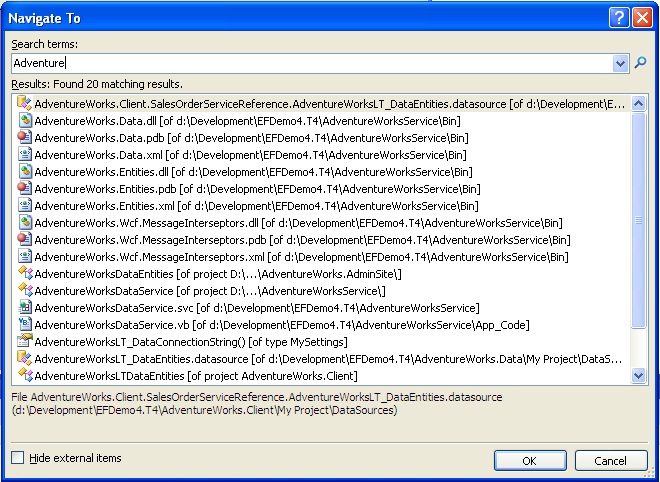
Start typing what you are looking for and this will quickly list all items that contain what you have typed (similar to Google Suggest).
Discover more from dotNetTips.com
Subscribe to get the latest posts sent to your email.

 dotNetTips.com