Boosting Performance with Copilot Slash Commands: Unleashing New Speed in Spargine

In the article "Unleashing the Power of Copilot: Enhancing Visual Studio with New Slash Commands," the author discusses utilizing Copilot to improve the performance of the open-source project Spargine. Detailed examples show how Copilot's recommendations resulted in significant speed improvements and the author's workflow for implementing changes. The article encourages developers to use Copilot for code enhancement.


Unleashing the Power of Copilot: Enhancing Visual Studio with New Slash Commands

In 2024 at Microsoft Build, new Copilot features were introduced in Visual Studio, including helpful slash commands for tasks like adding comments, explaining code, proposing fixes, generating code, receiving assistance, optimizing code, and writing unit tests. Despite its benefits, caution is advised when accepting Copilot's suggestions. Stay tuned for updates as more commands are added.

256 Seconds with dotNetDave: Documenting Code with Visual Studio and Copilot

In this episode of 256 Seconds with dotNetDave, learn to use Visual Studio and GitHub Copilot to swiftly create detailed XML comments for Microsoft .NET projects. Detailed commands for documenting classes are shared, along with a call to vote for displaying code examples in IntelliSense. Watch the demonstration here: https://player.vimeo.com/video/961522552?badge=0&autopause=0&player_id=0&app_id=58479

Rockin’ the Code World Season 4: Special Guest Jim Wilcox

I hope you'll join me on Saturday, June 1st, 2024, at 10:00 AM PST on C# Corner TV for show #103! My very special guest for the second time will be Jim Wilcox, Principal Software Consultant and Architect with EQengineered.

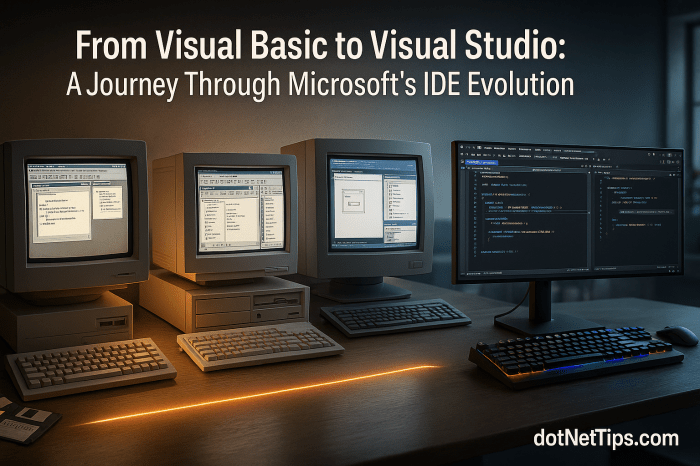
From Visual Basic to Visual Studio: A Journey Through Microsoft’s IDE Evolution

The author shares their journey from Visual Basic 2 in 1992 to the latest tools like Visual Studio and Visual Studio Code (VS Code). They emphasize the evolution of Microsoft's IDEs for software, web, and database development. They advocate for a hybrid approach of using IDEs for efficiency and familiarizing with CLI commands for flexibility.

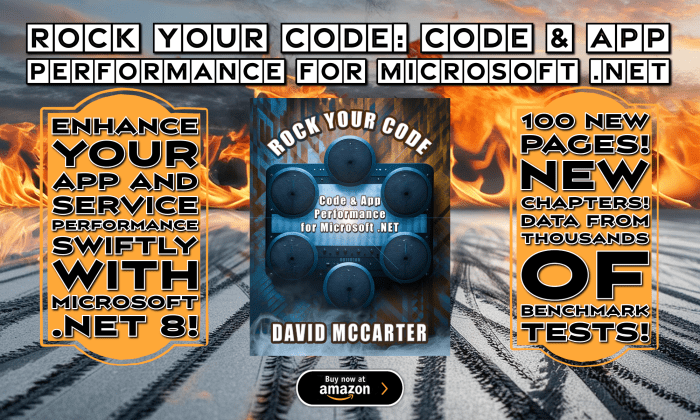
Rock Your Code: Code & App Performance for Microsoft .NET (4th Edition)

"Rock Your Code: Code & App Performance for Microsoft .NET" is a comprehensive guide that emphasizes the importance of optimizing code performance for enhanced user experience and backend efficiency. With practical insights and example code, developers learn essential practices for maximizing the performance of their business applications within the Microsoft .NET framework. From string manipulation to leveraging source generators, this edition covers a wide range of topics, including new chapters on code analysis and benchmark testing. Written for developers using Microsoft .NET 8 and Visual Studio 2022, this book offers timeless principles applicable across different versions of .NET, ensuring relevance and utility in any environment.

Microsoft .NET Code Analysis for Performance

Utilizing .NET code analysis tools is essential for identifying performance issues in code before execution. Modern .NET analyzers provide real-time warnings for inefficiencies, enabling developers to refine their code. This resource outlines practical examples and benchmarks, emphasizing that most performance problems stem from minor inefficiencies. Analyze, measure, and optimize for better performance.

Seamless Method Relocation: A Proposal for Visual Studio Refactoring

"Proposing a new refactoring feature for Visual Studio, this article suggests seamlessly relocating methods alongside associated code to new or existing classes. By automating this process, developers can streamline workflow, reduce manual effort, and enhance productivity."

Rockin’ the Code World Season 4: Special Guest Leslie Richardson

On Saturday, January 13th, 2024 at 10:00 PST on C# Corner TV, join David McCarter for show #94 featuring Leslie Richardson, Senior Product Manager at Microsoft. The interview will cover Visual Studio productivity/debugging, C# Dev Kit, .NET Aspire Dashboard, and Geek Humor. The episode also promotes charity and blood donation.

Modernizing Microsoft Office: A Call for Innovation in Word

The author highlights numerous issues and shortcomings in Microsoft Word, particularly in handling large documents, citing problems ranging from formatting glitches, freezing during auto-save, and persistent errors with the Read Aloud feature. The article not only calls for urgent innovation and improvement in Microsoft Office to align with contemporary technological standards but also emphasizes the importance of user feedback as a crucial guide for necessary innovations.