
In Part 2 of this series of articles about real-world coding issues, I highlighted the code violations I discovered in the contract I worked on in the “Style” category. The codebase exhibited over 125K instances of violations, and I provided statistical data to support this finding in Part 1. If you have not done so already, I encourage you to read Part 2 by clicking here: https://bit.ly/RealWorldCodingIssues2.
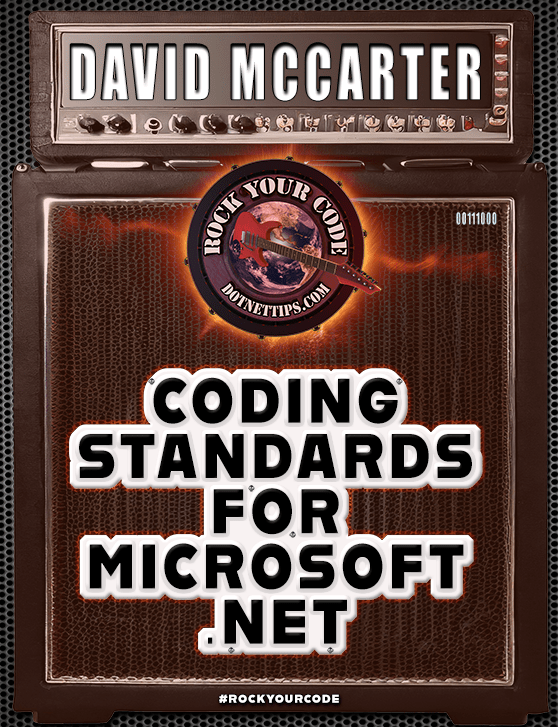
An enhanced edition of this article can be found in my book, “Rock Your Code: Coding Standards for Microsoft .NET,” now available on Amazon. This updated version comprises 230 new pages, providing valuable insights to help you and your team produce top-quality code that is easily modifiable.
Secure your copy by visiting the following link: https://bit.ly/CodingStandards8
In this article, I will discuss common coding issues that I frequently encounter in the projects I work on. These issues fall into the “Design” and “Diagnostics” categories of code analyzers, but it is worth noting that many of them can also impact code performance, an area in which I have expertise. In the Odds & Ends section, I will discuss other issues I see in solutions that I work on. I will provide examples of most issues and demonstrate how I configure the violations in my EditorConfig file for all my solutions.
Design
Here is the issue I found that is part of the Design code violations.
Diagnostics
Here are the issues I found that are part of the Diagnostics code violations.
Odds & Ends
Here are additional issues that I found in this codebase, many of which I have encountered in other projects multiple times.
Code in Unit Tests
I understand that unit tests are not shipped with the final product, but they hold significant importance in ensuring the application of proper coding techniques. For instance, in this codebase, there seems to be a lack of appropriate handling of types that implement IDisposable. While it’s true that objects in unit tests are destroyed once the tests are completed, it is still crucial to execute the code within the Dispose() method, particularly for the types used in your project that implement IDisposable. This ensures proper cleanup and resource management within your codebase.
Use WaitAll() for Multiple Async Calls
There were numerous instances in this solution where a single method could initiate three or more asynchronous calls. I recognized that several of these calls could be executed more efficiently by utilizing Task.WaitAll(). Let me outline the advantages of employing WaitAll():
- Simultaneous waiting:
WaitAll()allows you to wait for multiple asynchronous operations to complete concurrently. Instead of waiting for each operation individually, you can wait for all of them at once, which can lead to improved performance and efficiency. - Synchronization: By using
WaitAll(), you can synchronize the execution flow of your program. It ensures that the program waits for all the asynchronous operations to finish before proceeding to the next steps. This is particularly useful in scenarios where you need the results of multiple operations before proceeding. - Error handling:
WaitAll()provides a straightforward way to handle errors in multiple asynchronous operations. If any of the operations encounters an exception,WaitAll()will throw an aggregate exception that contains all the exceptions from the individual operations. This allows you to handle errors in a centralized manner, making it easier to log or handle exceptions consistently. - Improved readability: Using
WaitAll()can make your code more readable and maintainable. By explicitly waiting for multiple operations to complete, you can clearly express the intent of your code, making it easier for other developers to understand the logic and flow of the program. - Parallelism:
WaitAll()can be especially beneficial when combined with parallel programming techniques. If the underlying asynchronous operations can be executed concurrently, usingWaitAll()allows you to take advantage of parallelism, potentially speeding up the overall execution time.
You can also utilize Task.WhenAll(), which offers a convenient and efficient approach to await multiple asynchronous operations concurrently. It promotes non-blocking asynchronous programming, allows for the composition of tasks, and facilitates centralized exception handling, making it a powerful tool in asynchronous code scenarios.
Here is an example of how to use WaitAll(), generated by ChatGPT:
static async Task Main()
{
    Task task1 = Task.Run(() => DoSomething(1, 2000));
    Task task2 = Task.Run(() => DoSomething(2, 1000));
    Task task3 = Task.Run(() => DoSomething(3, 3000));

    Task[] tasks = { task1, task2, task3 };

    Console.WriteLine("Tasks started. Waiting for completion...");

    await Task.WhenAll(tasks);

    Console.WriteLine("All tasks completed.");
}
Watch Your Cyclomatic Complexity!

This project exhibited numerous methods with very high cyclomatic complexity. Let’s delve into what cyclomatic complexity entails. In programming, Cyclomatic Complexity serves as a software metric utilized to gauge the complexity of a program. It offers a quantitative measurement of the number of independent paths through a program’s source code.
Cyclomatic Complexity revolves around the concept of control flow within a program. It tallies the number of decision points, such as conditional statements or loops, in the code and employs this count to determine the program’s complexity. Each decision point contributes to the overall complexity by introducing additional paths that necessitate consideration during testing and analysis.
A higher Cyclomatic Complexity value indicates a greater level of complexity. A high Cyclomatic Complexity can imply potential issues within the code, including increased difficulty in comprehending and maintaining the program, as well as a higher likelihood of bugs and errors.
By measuring Cyclomatic Complexity, developers and software quality analysts can evaluate a program’s complexity and identify areas that may require refactoring or additional testing to enhance code quality and maintainability.
From my perspective, Cyclomatic Complexity denotes the minimum number of unit tests necessary to adequately test a method for encapsulation. The highest Cyclomatic Complexity value I discovered in this project for a single method was 195, which signifies the need for an equivalent number of unit tests. Unfortunately, this method lacked any unit tests. As mentioned in the first article, the overall Cyclomatic Complexity of the solution exceeded 77K, whereas only around 400-unit tests were present.
To determine the Cyclomatic Complexity number, I utilize Refactor, a free tool from DevExpress. It also assists me in swiftly refactoring methods into smaller, more manageable units.
Security Issues in SQL
One of the significant security recommendations for calling SQL Server using T-SQL is to avoid using inline T-SQL and instead utilize parameters. Unfortunately, the code base in question had many instances where inline T-SQL was employed. Allow me to outline the reasons why this practice should be avoided:
- Security vulnerabilities: Inline SQL statements are prone to SQL injection attacks. When you concatenate user-supplied input directly into SQL queries, it becomes possible for malicious users to manipulate the input and inject additional SQL commands. This can lead to unauthorized access, data breaches, or even data loss. Using parameterized queries or stored procedures helps prevent SQL injection by separating the SQL logic from user input.
- Code maintainability: Inline SQL can make code harder to read and maintain, especially when SQL statements are scattered throughout the codebase. It becomes challenging to track and modify queries when they are embedded within different methods or classes. Separating SQL logic into separate query files, stored procedures, or using an Object-Relational Mapping (ORM) framework improves code organization and maintainability.
- Performance optimizations: Inline SQL often lacks optimization capabilities. The database engine may need to recompile the query each time it is executed, resulting in decreased performance. By using stored procedures or parameterized queries, the database engine can optimize query execution plans, caching them for improved performance.
- Database portability: Inline SQL can make it harder to switch between different database systems. Each database has its own SQL dialect and syntax, so if you have inline SQL statements specific to one database, you will need to modify them to work with another database system. By using an abstraction layer like an ORM or writing database-agnostic queries, you can write code that is more portable across different database systems.
- Separation of concerns: Inline SQL tends to mix database access code with business logic, violating the principle of separation of concerns. This can lead to a tight coupling between the application and the database, making it harder to change the database schema or switch to a different data storage solution. Using an ORM or following a layered architecture helps maintain a clear separation between different parts of the application.
That’s why I prefer using ORM frameworks like Entity Framework. They offer several advantages over inline SQL statements, including improved security, code maintainability, performance, and portability.
Globalization & Localization

One common observation I’ve made while reviewing projects is the lack of proper coding for globalization and localization. This aspect is crucial, as demonstrated by the issues encountered during this project when preparing for a major release in India. Upon inspection, I discovered over 700 globalization and localization issues. Drawing from my previous experiences, I know that rectifying such problems years after the initial code was written will be both time-consuming and expensive. Therefore, it is imperative to incorporate correct globalization and localization practices right from the start to mitigate these challenges. I recently wrote an article on this subject on dotNetTips.com called Globalizing Strings in Microsoft .NET C# with the Multilingual App Toolkit. I hope you will give it a read.
I See Duplicate Code
Utilizing Visual Studio, I discovered that this project contains more than 13,000 lines of duplicated code. Duplicated code poses significant challenges for maintenance purposes and can turn into a nightmare. Hence, I firmly believe that approximately 90% of a project’s code should be placed within reusable assemblies. This approach is highly effective in addressing the issue of code duplication. Moreover, during my examination of various solutions, including the present one, I frequently observe that flawed code tends to propagate throughout the project, resulting in further duplications.
I See Dead Code!
This solution contains a substantial amount of unused code or code that has been commented out. It is crucial to refrain from checking such code into source control, as it serves no purpose and should never be included in the repository. During my analysis, I identified numerous obsolete types and methods that were no longer utilized within this solution. I dedicated a significant amount of time to remove these redundant code segments. Additionally, I came across many instances where sections labeled “Commented Out Code” contained commented-out code, which is an unusual practice in my experience.
Don’t Use Non-Generic Collections
For the first time in a very long time, I saw code that was using the old ArrayList from the .NET Framework. This has been obsoleted ever since generics were added to .NET in 2005 and is a performance issue.
Challenges and Pitfalls of a Linux-Based Development, Build, and Test Environment

I encountered significant issues while working with a team, primarily due to their development, build, and testing environment. Compared to other teams I’ve worked with, who aimed to improve their development environment, this project required a complete replacement. Here’s why:
For the first time in my career, they utilized Linux for development, build, and testing. We ran it through Docker and mapped a drive to a Linux folder for use in Visual Studio. I suspect this choice was influenced by my manager’s background in Java/Linux development. However, I failed to understand the rationale behind this decision since all the code we were writing would eventually run on Windows servers. This approach resulted in several issues, which I will describe below:
Firstly, setting up the environment took me an exceptionally long time because I had little experience with Linux. It consumed over a month, exacerbated by outdated documentation provided by the team. I had to engage in multiple meetings with my manager to eventually make it work. During my attempts, my manager could not ascertain the cause of the security errors I consistently encountered in Visual Studio from the mapped drive. As a result, I gave up and ran the code from my local drive, utilizing GitHub Desktop to transfer code back and forth.
Secondly, building the project became a nightmare and frequently resulted in breaks. I would go for weeks without building on Linux, as only my manager possessed the necessary expertise to fix any issues, assuming he could even identify them. For instance, when migrating the code to .NET 7, it took months for him to address all the problems with .NET and NuGet packages. It is worth noting that building always worked flawlessly from Visual Studio.
Thirdly, while working on the contract, not all unit tests functioned correctly in my Linux development environment. They ran fine in Visual Studio but encountered issues when executed from Linux. Insufficient unit tests were available, and the ones that existed failed intermittently, leaving me unsure if I had inadvertently broken the code.
Fourthly, configuring NuGet packages to load properly in a Linux environment proved extremely challenging. Unlike the Visual Studio project settings, it required manual modification of external files. I wasted a significant amount of time attempting to achieve the desired functionality.
Lastly, it appeared that my manager was the sole person on a 17-member team who possessed the knowledge to operate any of these systems effectively. However, there were occasions when even he struggled with it. This created a big bottleneck, particularly when he was absent due to illness or vacation, halting progress entirely. It took him many months to resolve the .NET 7 issue and other related problems. When I left, I had multiple pull requests that remained unaddressed because they were significantly behind the main branch. These pull requests had been pending for many months. Given the team’s lag and my departure from the project, I doubt they were ever merged into the main branch.
I understand this is a lengthy account, but I hope it serves as a cautionary tale. It is crucial to ensure that your development, build, and test environments are user-friendly, allowing anyone to set them up and make modifications easily. They should be scripted to enable straightforward creation whenever necessary. Avoid relying on frameworks that do not treat .NET as a first-class citizen.
Does Your Solution Need a Code Review?
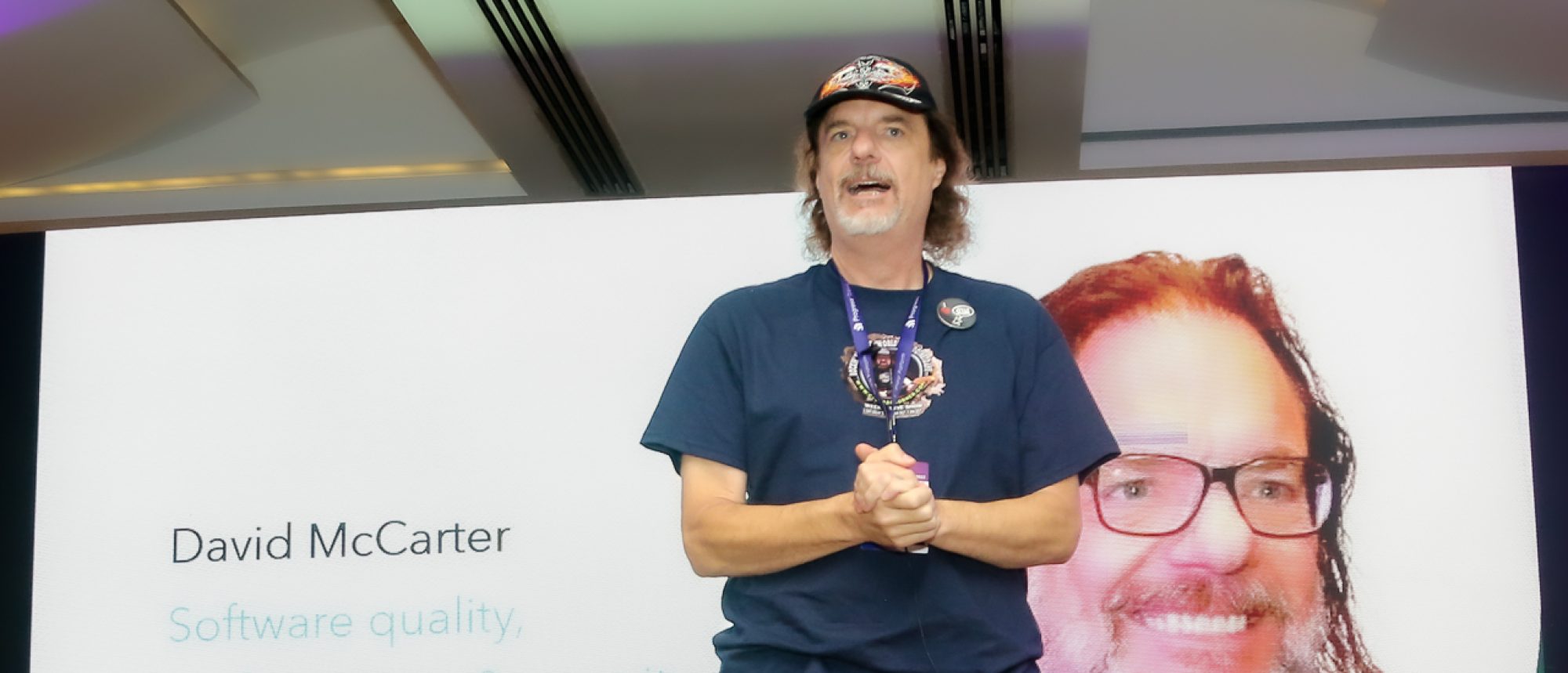
Are your work solutions in need of a thorough code review? I offer a no-holds-barred approach, just as I did with this series of articles. With a background in reviewing millions of lines of code, I am adept at identifying issues that your solutions might be facing, such as architecture, memory leaks, and performance problems. Over the past 12 years, I have consistently performed these reviews in various positions.
I will provide you with detailed information about the areas that require attention. Additionally, I can offer architectural suggestions to ensure that your solutions are future-ready, including the possibility of migrating to the cloud. My aim is to provide your team with the guidance they need to elevate the code to meet my high standards.
If your team is interested in receiving an honest and thorough review of your code, please feel free to contact me at dotnetdave@live.com.
Summary
There you have it! I hope you found this three-part article series informative. It’s worth noting that the issues discussed here are commonly encountered in many contract projects that I work on. That’s why it’s crucial to prioritize code quality and performance as integral aspects of every project or sprint. Failure to do so will result in a solution that is prone to bugs, difficult to maintain, and challenging to enhance. This becomes even more critical when working with a significant number of contractors, as was the case with this team. In fact, they had a higher number of contractors than permanent developers.
Due to my manager’s overwhelming responsibilities of managing two teams, it became exceedingly challenging to secure any of his time. I often had to endure lengthy waiting periods, ranging from days to even weeks, in order to seek his assistance in resolving Linux environment issues. Like many other companies, the workload burden on a single manager was excessively high.
The continuous problems with the code and the build environment resulted in a cascade of frustration, anxiety, and self-doubt. I frequently found myself questioning my abilities and considering quitting, even within my first month of joining. These challenges significantly hindered my productivity, causing substantial losses for the company as valuable time was lost in unproductive endeavors.
For further guidance and insights, I highly recommend obtaining a copy of my book, “Rock Your Code: Coding Standards for Microsoft .NET” available on Amazon.com. Additionally, to explore more performance tips for .NET, I encourage you to acquire the latest edition of “Rock Your Code: Code & App Performance for Microsoft .NET” also available on Amazon.com.
It is worth noting that most of the issues discussed in these articles can be easily addressed by utilizing the Visual Studio extension called CodeRush. CodeRush is a free tool available for download at the following link: https://www.devexpress.com/products/coderush/
To analyze your code using the same settings I used in these articles, I encourage you to incorporate my EditorConfig file into your solutions. It can be found at the following link: https://bit.ly/dotNetDaveEditorConfig. I update this file quarterly, so remember to keep yours up to date as well. I hope you will check out my OSS project Spargine by using this link: https://bit.ly/Spargine.
Please feel free to leave a comment below. I would appreciate hearing your thoughts and feedback.
Pick up any books by David McCarter by going to Amazon.com: http://bit.ly/RockYourCodeBooks
Make a one-time donation
Make a monthly donation
Make a yearly donation
Choose an amount
Or enter a custom amount
Your contribution is appreciated.
Your contribution is appreciated.
Your contribution is appreciated.
DonateDonate monthlyDonate yearlyIf you liked this article, please buy David a cup of Coffee by going here: https://www.buymeacoffee.com/dotnetdave
© The information in this article is copywritten and cannot be preproduced in any way without express permission from David McCarter.
Discover more from dotNetTips.com
Subscribe to get the latest posts sent to your email.

 dotNetTips.com
One thought on “Real World Coding Issues: Part 3 – Design, Diagnostics, and Other Common Code Issues”