
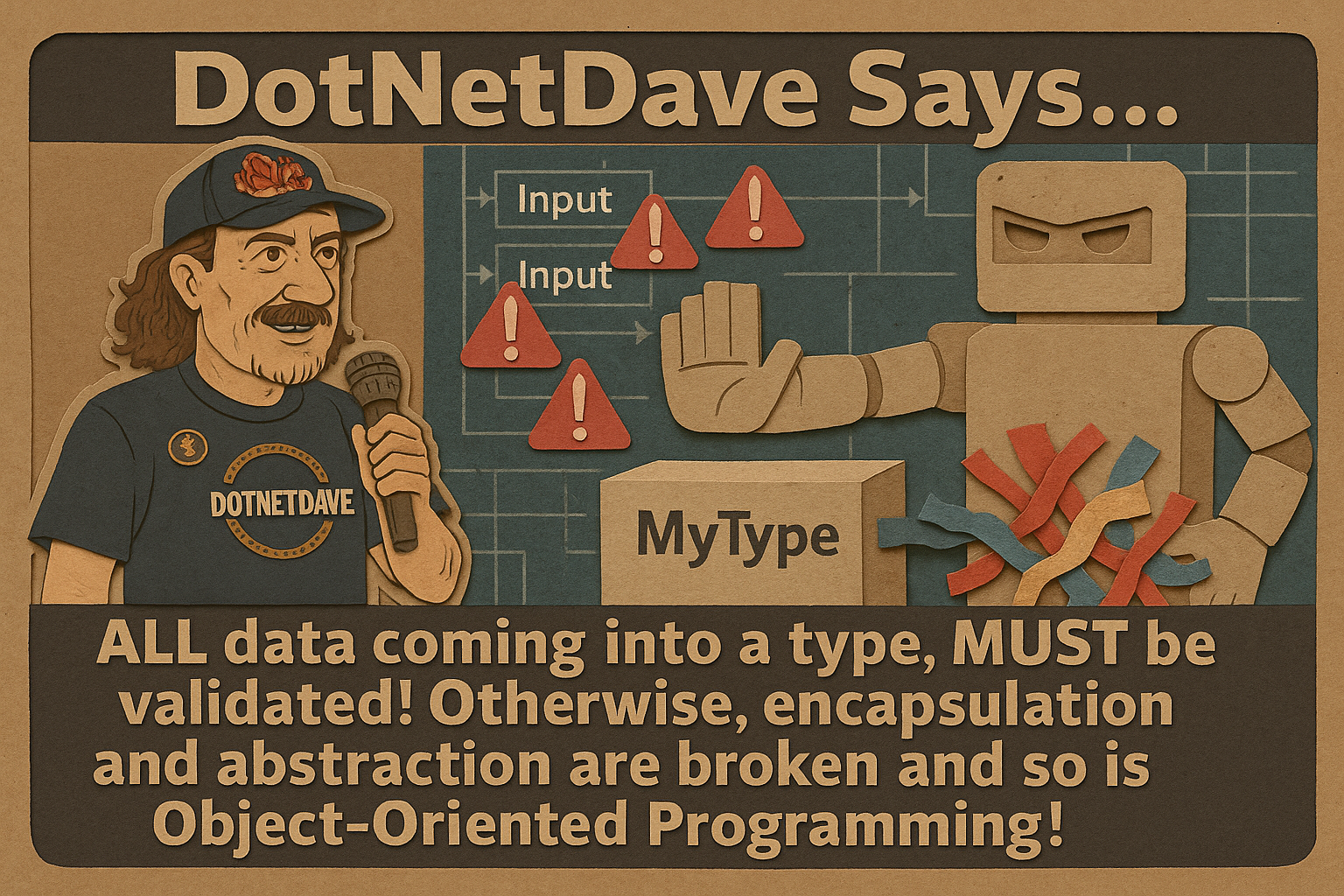
Do you use object-oriented programming (OOP)? If so, are you validating the data coming into your types? If not, you’re breaking the very first pillar of OOP: encapsulation.
This is a point I’ve emphasized throughout my career—in conference talks, in writing, and in production code. Yet even today, in codebases I actively work on, I still see methods that accept invalid input without question. When validation is missing, the integrity of the code is immediately compromised.
The Problem with Missing Validation
Let’s take a look at a simple example:
public static string GenerateFile(string fileName, int fileLength = 1000)
{
    var fakeText = GenerateWord(fileLength);

    File.WriteAllText(fileName, fakeText);

    return fileName;
}
At first glance, this method appears perfectly reasonable. But it has serious flaws.
Ask yourself:
- What happens if
fileNameisnull? - What if
fileLengthis negative—say-100?
These scenarios can easily lead to runtime exceptions, corrupted behavior, or failures that are difficult to diagnose. This is how fragile software is born.
A More Robust Solution
Here’s how this method is implemented in one of my open-source libraries:ies:
public static string GenerateFile([NotNull] string fileName, int fileLength = DefaultFileLength)
{
    fileName = fileName.ArgumentNotNullOrEmpty(trim: true);
    fileLength = fileLength.ArgumentInRange(min: 1, defaultValue: DefaultFileLength);

    var fakeText = GenerateWord(fileLength);

    File.WriteAllText(fileName, fakeText);

    return fileName;
}
This version immediately enforces correctness and protects the method’s internal logic.
Key Improvements
[NotNull] Attribute
The [NotNull] attribute clearly communicates that fileName must not be null. If a caller violates this contract, a meaningful exception is raised early—before any damage is done. This makes failures obvious and intentional rather than mysterious.
Validation with ArgumentNotNullOrEmpty()
The ArgumentNotNullOrEmpty() method ensures there is a valid string for the fileName. This is far better than allowing an invalid string to slip through and cause failures later.
Validation with ArgumentInRange()
The second validation uses ArgumentInRange() to ensure that fileLength falls within an acceptable range. If the value is outside that range, the method immediately throws a meaningful exception, preventing invalid data from entering the system.
This validation also enforces a sensible default for fileLength, ensuring the method behaves predictably even when callers rely on default parameters. By defining clear boundaries up front, you eliminate ambiguity, reduce defensive coding elsewhere, and strengthen the overall reliability of the method.
Encapsulation and Safety
By validating input parameters at the very start of the method, you preserve encapsulation—the core promise of object-oriented programming. The method protects itself from bad data instead of blindly trusting callers.
Why Validation Matters
The first lines of any method or property should be dedicated to input validation. Skipping this step leads to:
- Invalid data propagating throughout your application
- Increased debugging time and harder-to-reproduce bugs
- Violations of fundamental OOP principles
In short, failing to validate inputs makes your code weaker, harder to maintain, and more expensive over time.
Conclusion
Encapsulation is not optional. It is essential for building resilient, maintainable software. Validation is how you enforce it.
By making input validation a non-negotiable part of your coding standards, you protect your application, your teammates, and your future self.
You’ll find much more guidance like this in my book Rock Your Code: Coding Standards for Microsoft .NET. You can also see real-world validation examples in my open-source project Spargine.
Take a look at your codebase today—are your methods truly protecting themselves, or are they hoping callers behave?
Encapsulation starts with validation.y: are you validating your inputs effectively?

Pick up any books by David McCarter by going to Amazon.com: http://bit.ly/RockYourCodeBooks
Make a one-time donation
Make a monthly donation
Make a yearly donation
Choose an amount
Or enter a custom amount
Your contribution is appreciated.
Your contribution is appreciated.
Your contribution is appreciated.
DonateDonate monthlyDonate yearlyIf you liked this article, please buy David a cup of Coffee by going here: https://www.buymeacoffee.com/dotnetdave
© The information in this article is copywritten and cannot be preproduced in any way without express permission from David McCarter.
Discover more from dotNetTips.com
Subscribe to get the latest posts sent to your email.

 dotNetTips.com